FPS Toy Realism
FPS Toy Realism
Click below to load game engine directly in your browser.
GAME SCREENSHOTS
3 ImagesHOW TO PLAY
Keyboard: WASD M2 - for aiming M1 - for shooting T - inspect weapon J - close assistant Space - jump TAB - for counting P - for menu 1-2 numbers - for changing weapon. Q and E - for changing player position Mobile devices: Controls - buttons Automatic shooting when aiming or by shooting button
ABOUT THE GAME
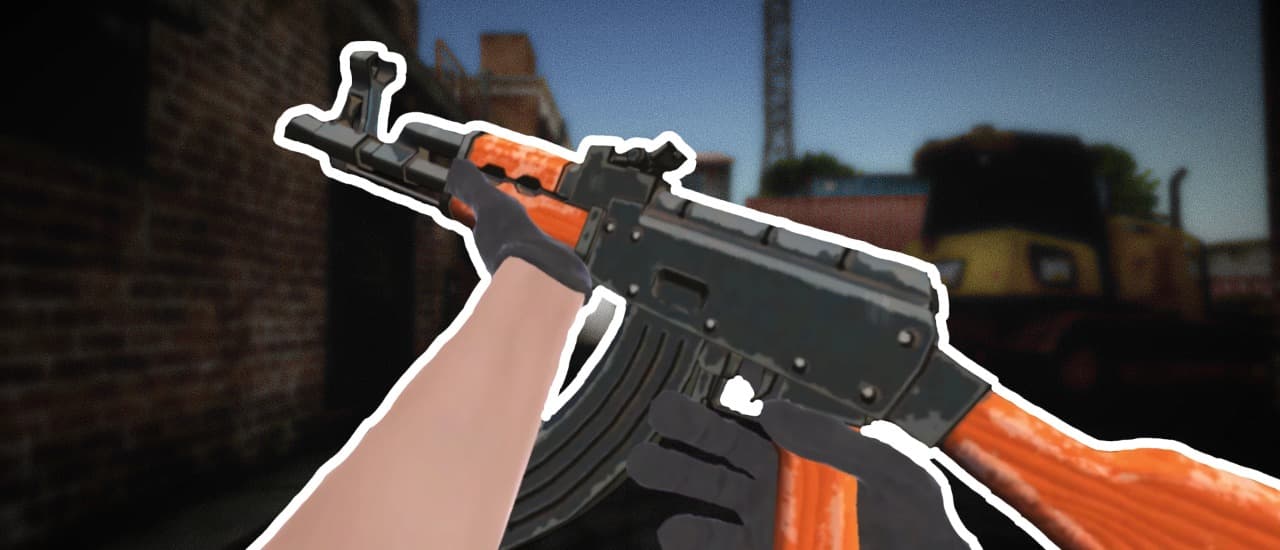
This new shooter offers a unique experience of team battles on a large 12x12 map. Thanks to the excellent shooting feel and precise shooting mechanics, every shot feels realistic and exciting. The game features a weapon purchasing system similar to popular shooters, allowing you to select and customize your arsenal before the fight for maximum effectiveness. Support items such as medkits and rockets are available to help you quickly restore health or destroy enemies with powerful rocket volleys.
4.3 / 5
Rating
action
Genre
Desktop
Support
Game Info
Embed This Game
Add FPS Toy Realism to your own website for free with a copy-paste iframe.
STRATEGY & TIPS
Learn enemy attack patterns before rushing in — most action games telegraph a wind-up before every hit, so reacting to that cue beats memorizing combos.
Keep moving. Standing still to line up the perfect shot is usually riskier than firing while repositioning.
Save your strongest resource (health, ammo, special move) for when you actually need it, not the first tough moment you see.
Practice a level's opening section until the controls feel automatic — most of the skill jump comes from muscle memory, not raw reflexes.
FREQUENTLY ASKED QUESTIONS
Is FPS Toy Realism free to play?
Yes — FPS Toy Realism is completely free to play on PlayNow, with no signup or subscription required.
Do I need to download anything to play?
No. FPS Toy Realism runs directly in your browser as an HTML5 game — there's nothing to download or install.
Does FPS Toy Realism work on mobile devices?
FPS Toy Realism is currently optimized for desktop play and may not run well on mobile devices.
What are the controls for FPS Toy Realism?
The controls are: WASD / Arrow Keys (Move & Navigate), Spacebar (Jump / Action), Left Mouse Click / Tap (Aim & Interact).
What category is FPS Toy Realism?
FPS Toy Realism is a action game, tagged as action, Shooter, cat, guns, weapons, arcade, multiplayer.
Can I embed FPS Toy Realism on my own website?
Yes — use the "Embed This Game" button on this page to get a free copy-paste iframe snippet for FPS Toy Realism.